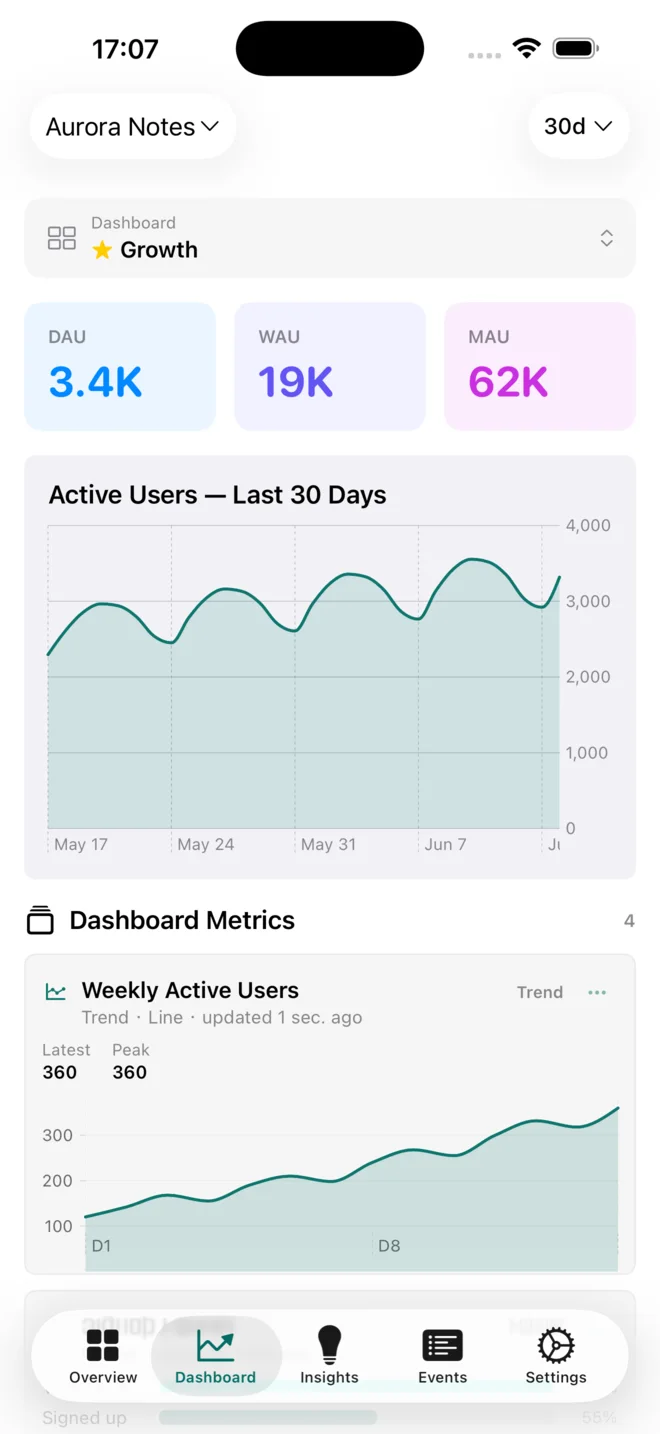
Dashboards that feel at home
Open saved dashboards, scan live charts, change the time range, and keep your team's metrics together.
The powerful mobile PostHog workspace
Hogly is an independent, native PostHog iOS app for iPhone and iPad. Check dashboards, watch Session Replays, investigate errors, and manage feature flags on the go.
Monitor. Investigate. Act.
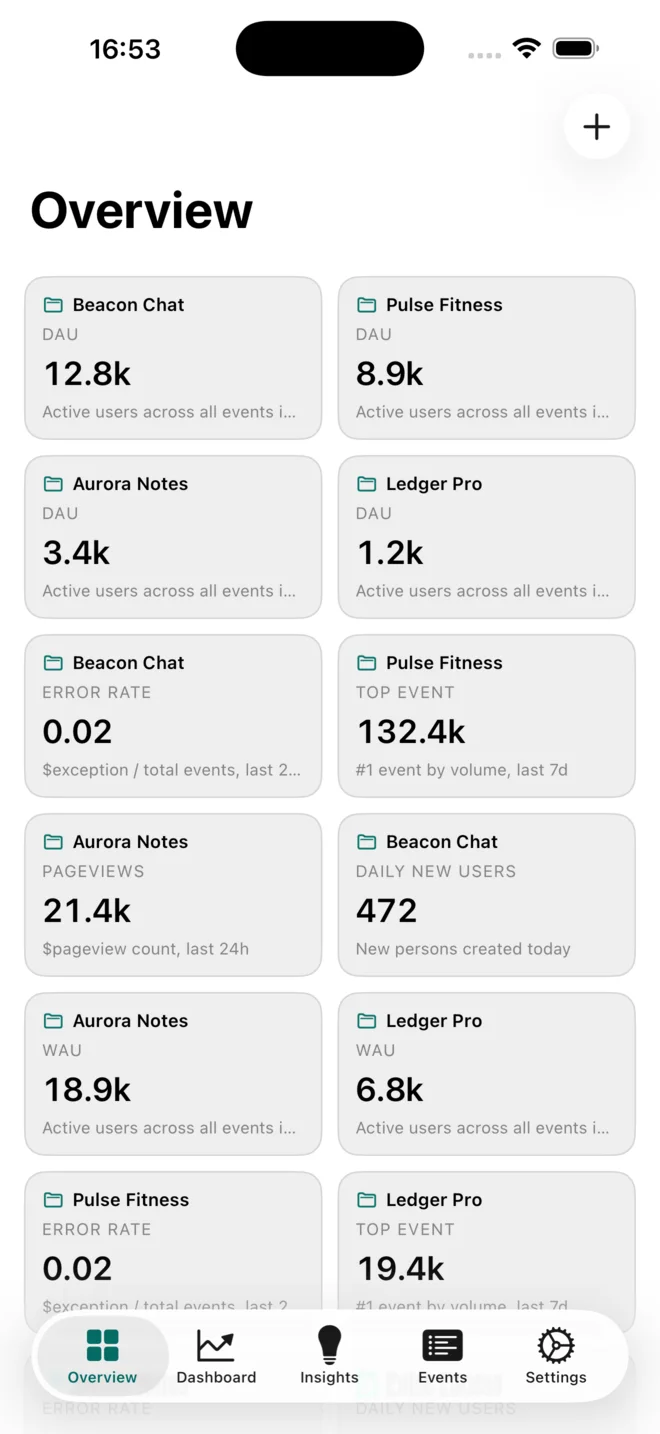
Cross-project overview
Pin DAU, error rate, new users, and the metrics that matter from every project. Hogly keeps them side by side, ready for a quick health check.
The useful parts, close at hand
Move from the morning pulse to a deeper answer without rebuilding your workflow for a smaller screen.
Open saved dashboards, scan live charts, change the time range, and keep your team's metrics together.
Search trends, funnels, and favorites. Preview the chart natively or continue in PostHog when you need the full canvas.
Inspect recent activity, filter the stream, and understand the properties behind an event.
Monitor → investigate → act
A spike should not wait for your laptop. Start with the cross-project pulse, open the session behind the numbers, then control the rollout from the same native workspace.
Compare every project's DAU and error rate in one Overview. The outlier shows itself before the support thread grows.
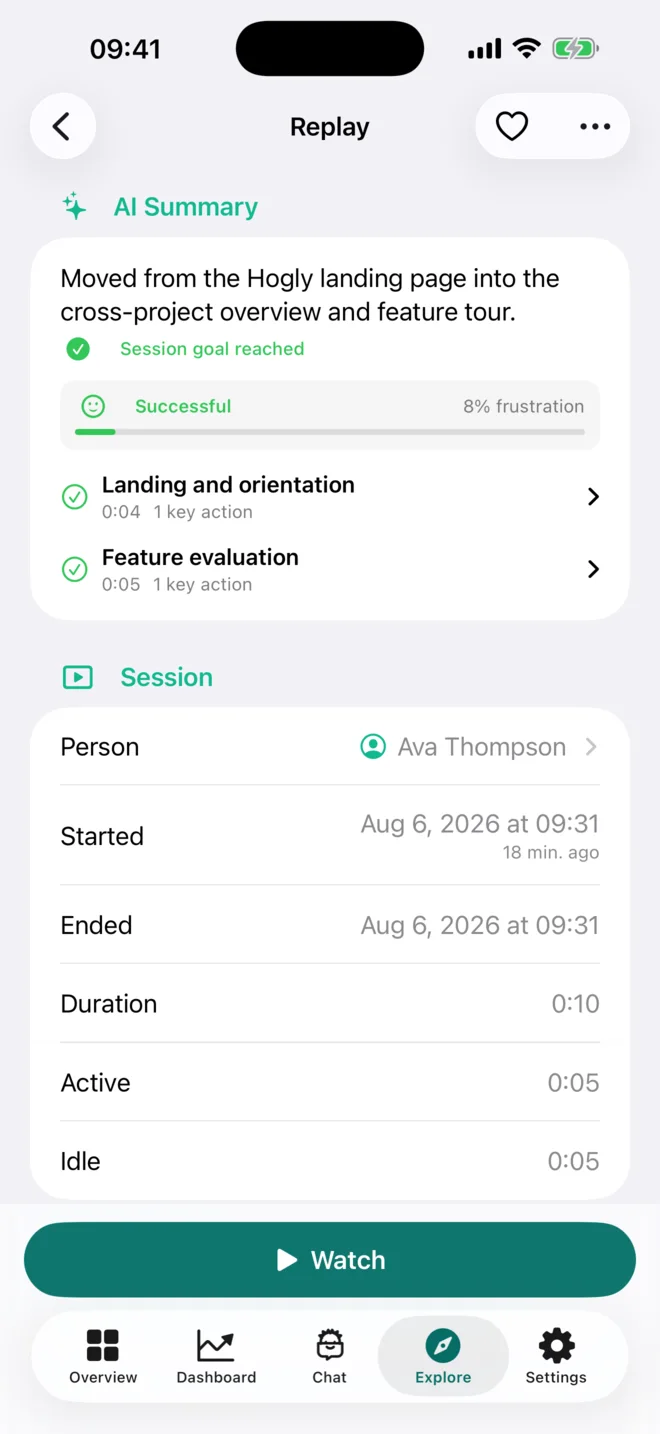
Open the Replay, read its AI summary, inspect the session context, and watch the moment that mattered.
Disable a feature flag, adjust release conditions, pause an experiment, or resolve the issue—right from your iPhone or iPad.
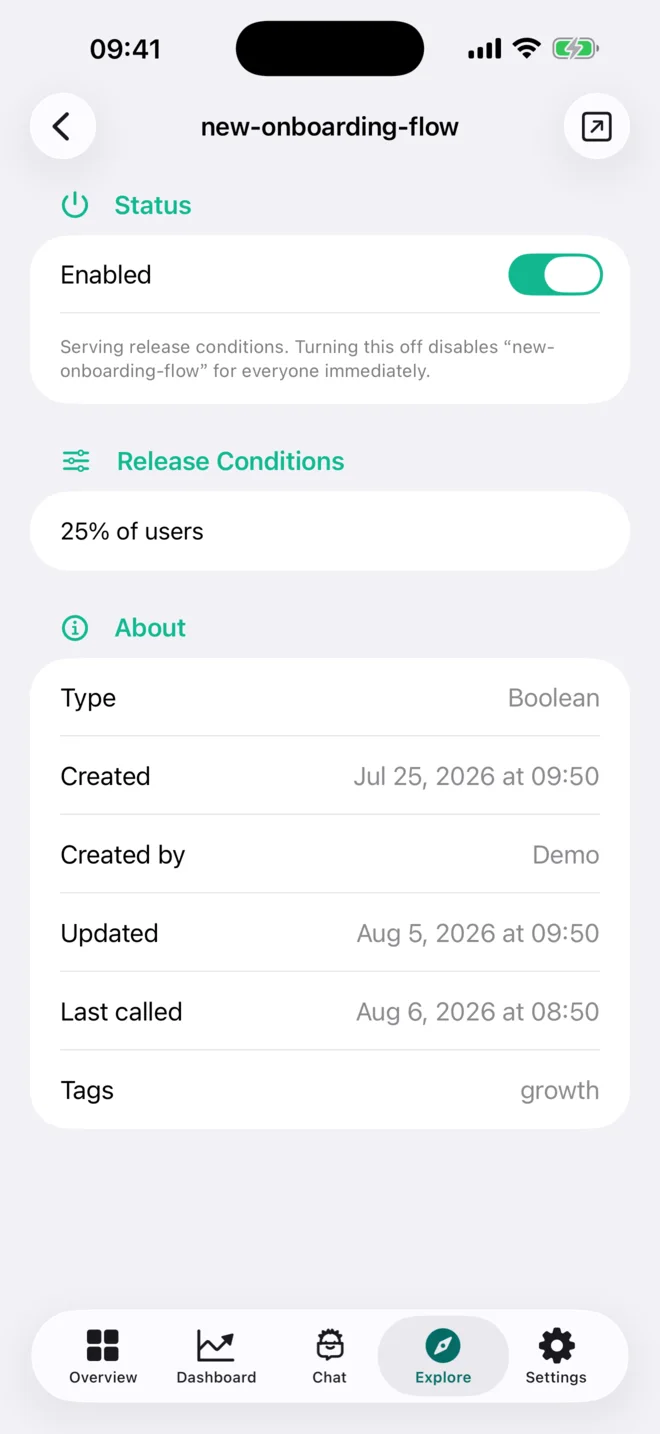
One Explore space Events · Feature Flags · Errors · Experiments · Replays · Surveys · PostHog AI
Run the workflow in HoglyTwo mobile response cases
Notifications become useful when they lead somewhere. These are two complete responses you can finish from Hogly, without waiting to reopen your laptop.
Error response
Open the exact error, watch Beacon Chat fail in its related Replay, and inspect the lastSyncedAt exception. Then choose the likely realtime-sync kill switch yourself—the app keeps the path short without pretending to make the diagnosis for you.
Customer support
Open Maya Chen's conversation from the notification, see the duplicate-charge context, send a clear reply, and resolve the ticket while the conversation is still fresh.
A live product question, in your pocket
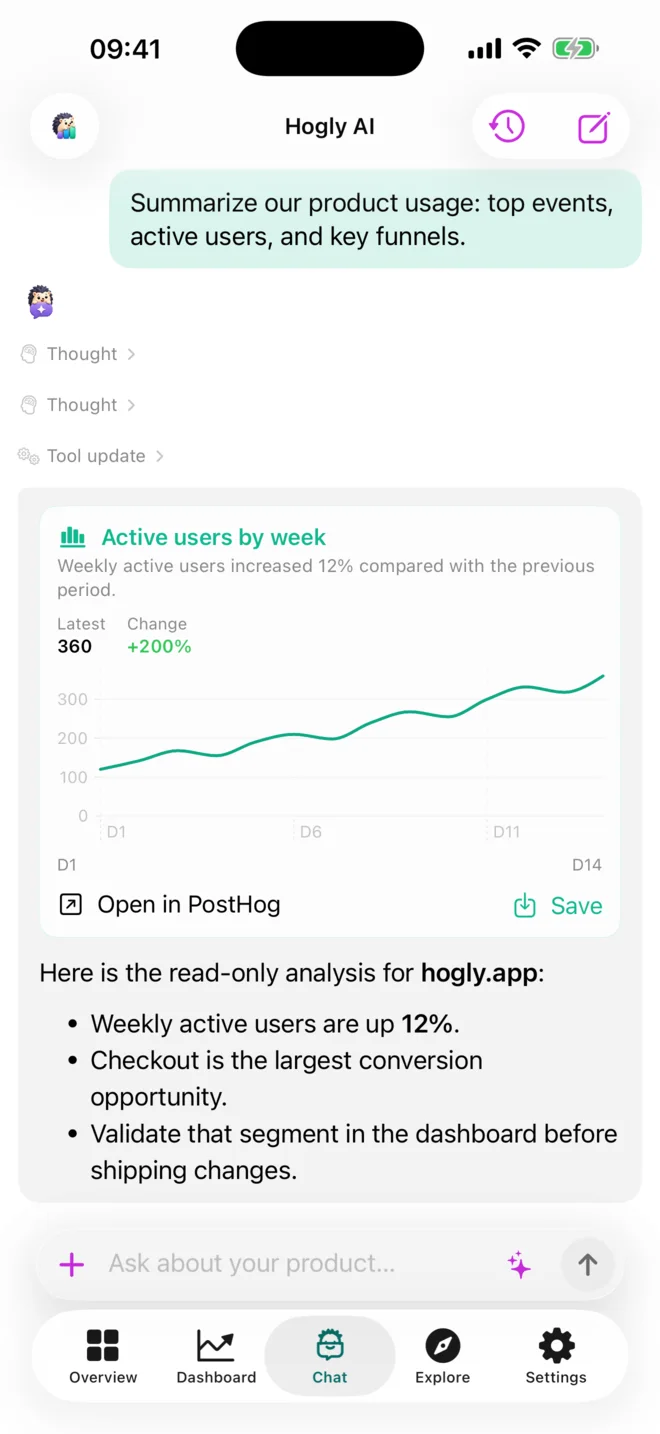
Ask a focused question or pick up a recent conversation while the context is still fresh. PostHog AI researches your workspace, shows its progress, and returns the evidence in the same thread.
The full workspace
Events, Errors, Experiments, Replays, Surveys, and PostHog AI live in one Explore space. Create and edit insights when you need more than a read-only view.
View Hogly on the App Store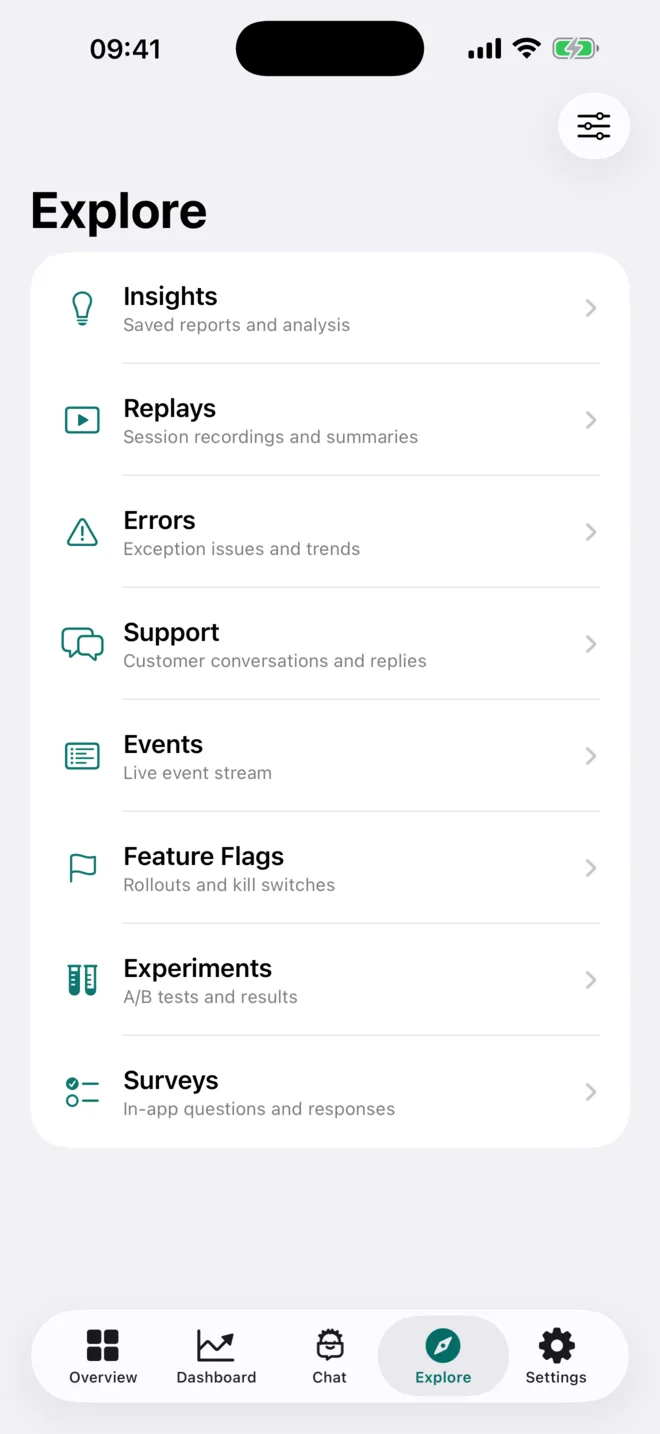
Direct by design
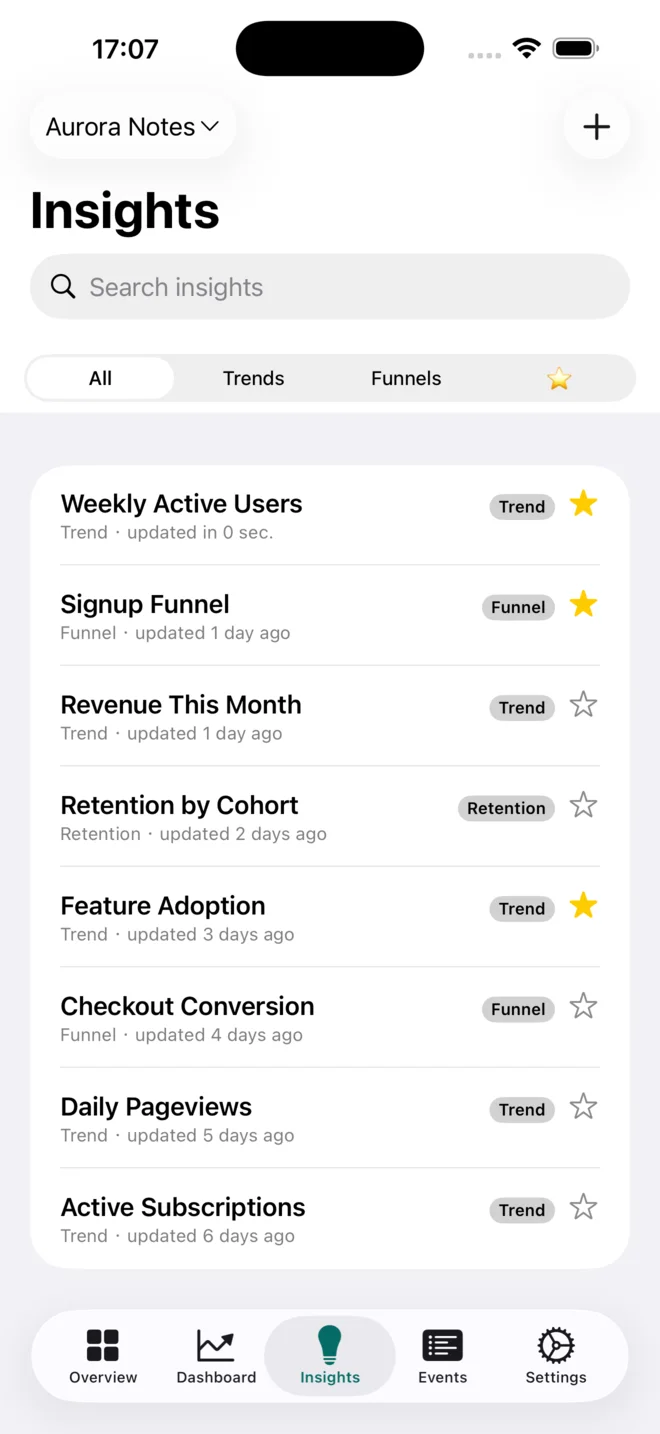
For normal workspace use, Hogly connects directly to your PostHog host and does not mirror its content into a parallel analytics database. OAuth uses PKCE, credentials stay in Apple Keychain, and Hogly-only preferences sync through your private iCloud.
Read the complete privacy and permissions breakdownPostHog mobile app, answered
Everything about running PostHog from iPhone and iPad with Hogly.
Yes. Hogly is an independent PostHog mobile app for iPhone and iPad. Connect your existing PostHog workspace to check dashboards, insights, events, replays, and errors in a native interface. Follow the iPhone setup and workflow guide.
Install Hogly from the App Store and sign in with your PostHog account. Your projects, dashboards, insights, and events show up in a native mobile interface — no bookmarking the web app or pinching to zoom.
Hogly is designed for PostHog Cloud and signs in with OAuth. Self-hosted PostHog instances are supported via a personal API key.
No. Hogly is an independent client and is not affiliated with, endorsed by, or sponsored by PostHog Inc. Normal workspace reads and explicit actions travel directly between your device and PostHog; Hogly does not mirror your workspace content into a parallel analytics database. Review the complete data flow and every requested permission.
Hogly runs on iPhone with iOS 26 or later and iPad with iPadOS 26 or later. Widgets keep supported PostHog metrics on the Home Screen. An Android app is being explored; there is no announced release date.
Hogly is free to download, with paid Hogly Pro plans. Connected-workspace access and advanced features can require Pro. Check the current access limits, price, and any eligible trial in the app before subscribing. PostHog usage charges are separate.
Hogly is currently available for iPhone and iPad. We are exploring an Android app, but it is not available yet and has no announced release date. Join the Android waitlist to help shape what we build next.
Help shape what comes next
Join Hogly's Android waitlist and help us decide what to build next.
Hogly's Android app is not available yet. We're exploring it, with no release date.

A clearer view is waiting
Put PostHog in your pocket on iPhone and iPad.
Download on theApp Store