PostHog in Your Pocket: The Complete Hogly Tour
Watch the complete Hogly walkthrough and jump straight to dashboards, customer support, Session Replay, feature flags, AI, widgets and more on your iPhone.
Read the complete guide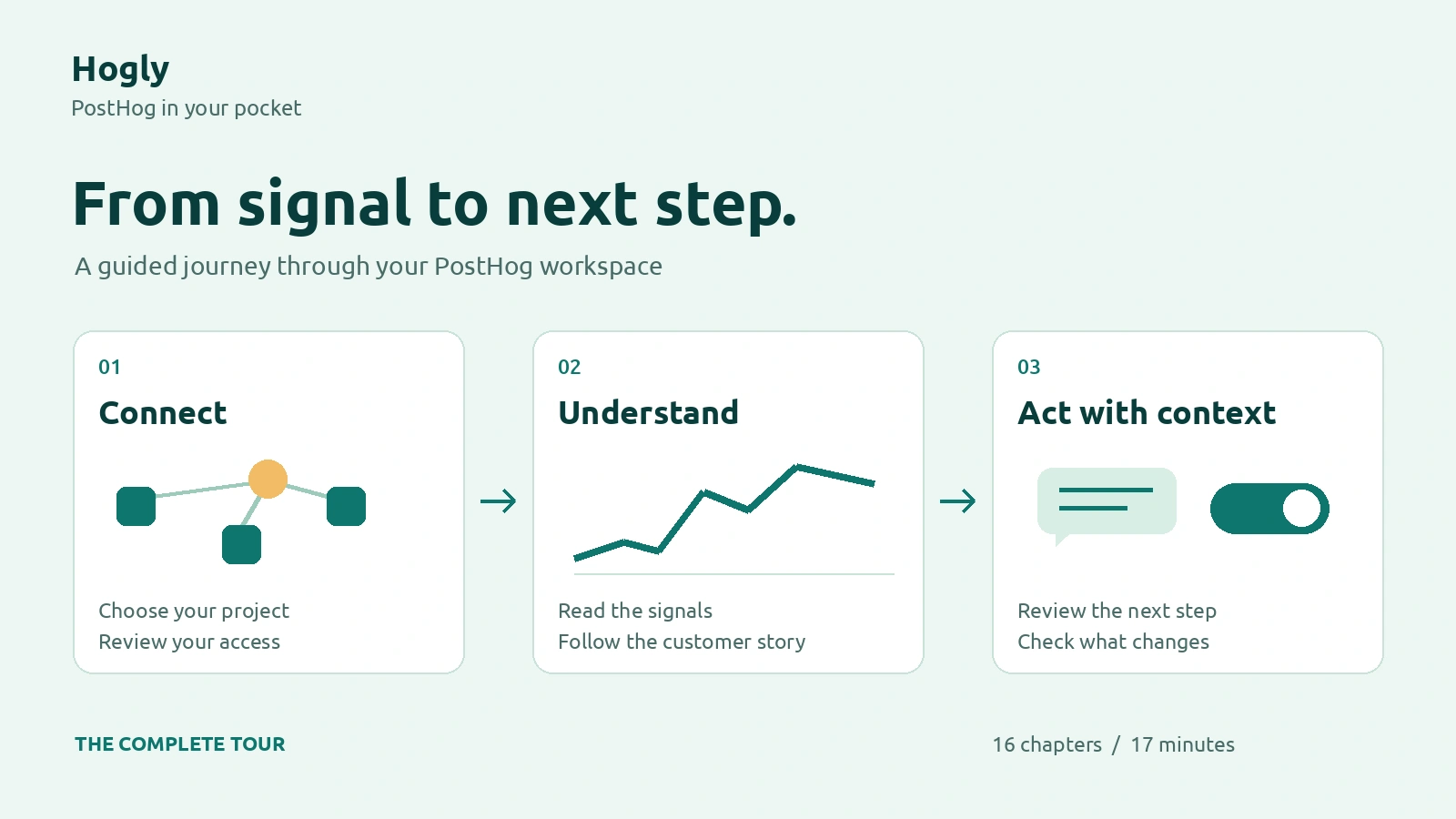
Hogly Field Notes
Practical notes for monitoring products, understanding users, and keeping the next decision moving from iPhone and iPad.
9 guides
Watch the complete Hogly walkthrough and jump straight to dashboards, customer support, Session Replay, feature flags, AI, widgets and more on your iPhone.
Read the complete guide
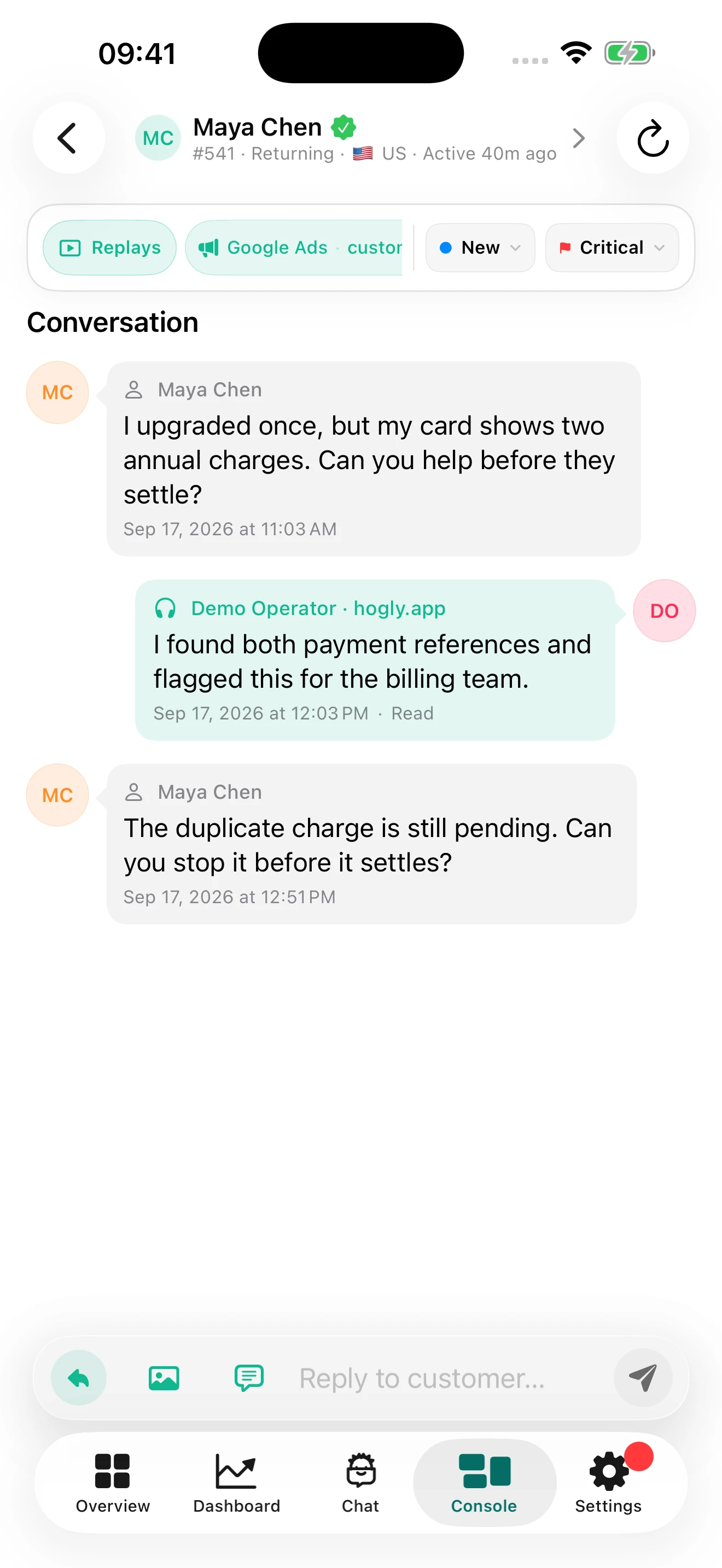
Bring feedback into your product with PostHog Support, then use Hogly to read the context, personalize a reply template, and respond from your iPhone.
Read the field note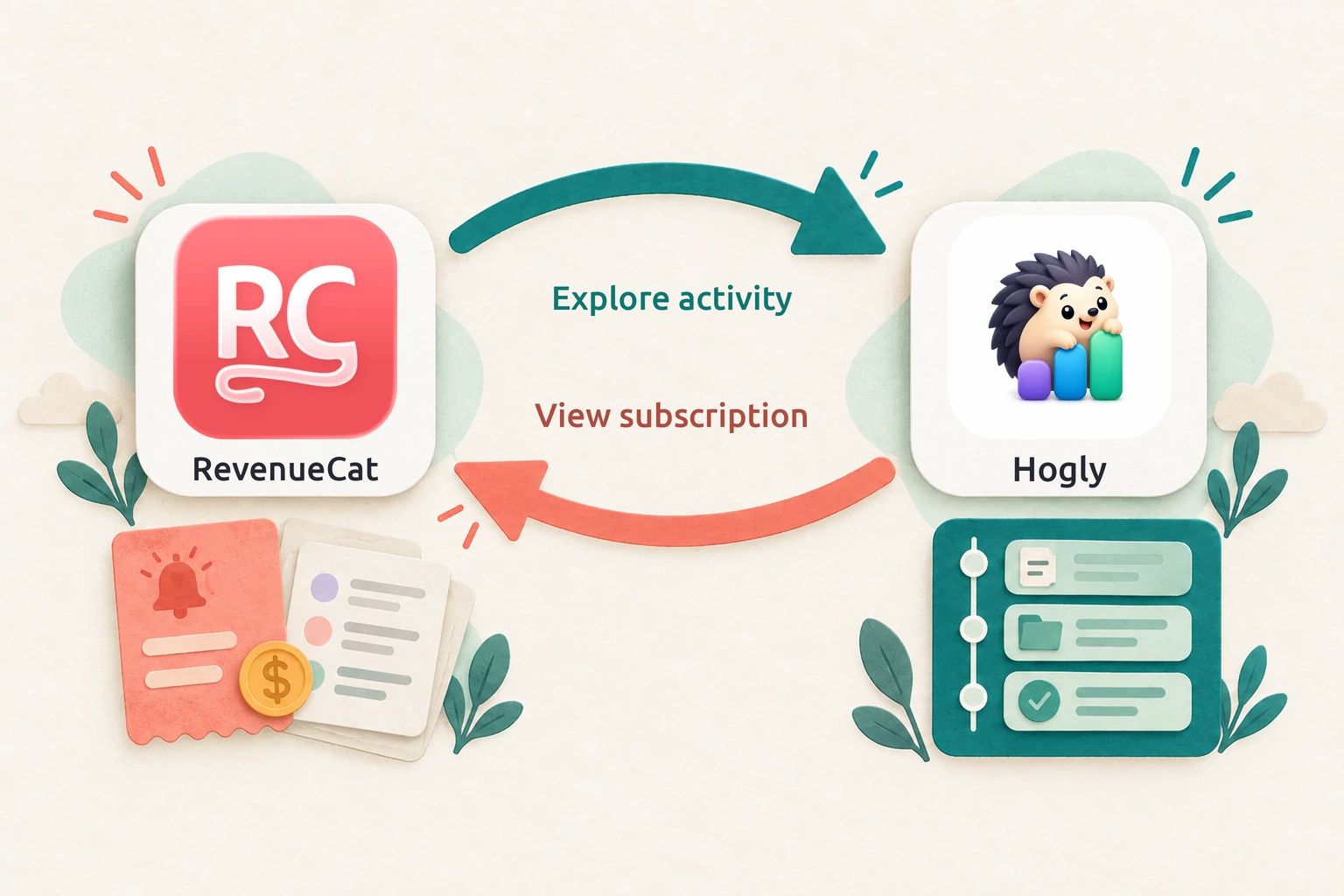
Tap a payment notification, share to Hogly, and explore the matching person's activity—then return to their RevenueCat history.
Read the field note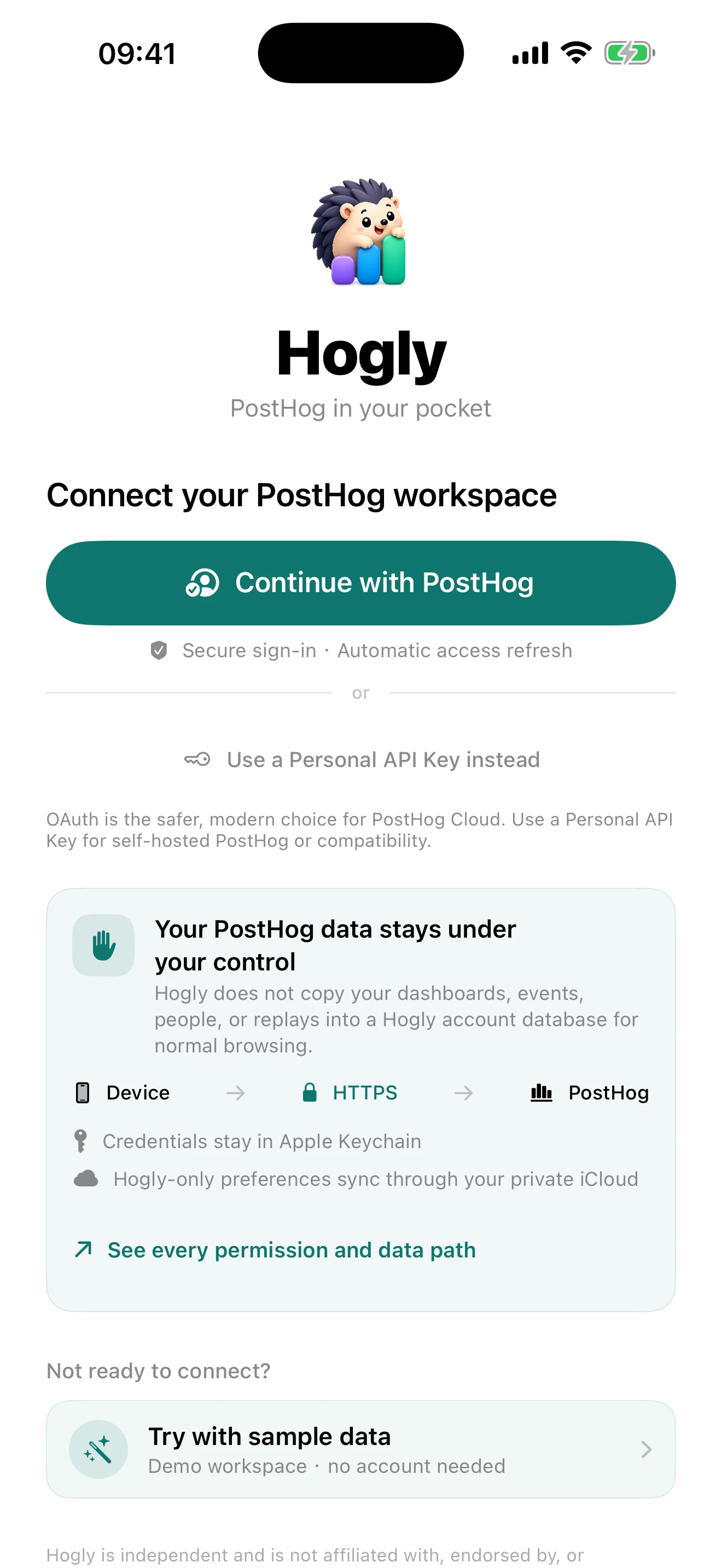
Must-readCreator's pick
A transparent look at Hogly’s direct PostHog connection, OAuth permissions, Apple Keychain storage, private iCloud sync, and optional services.
Read the field note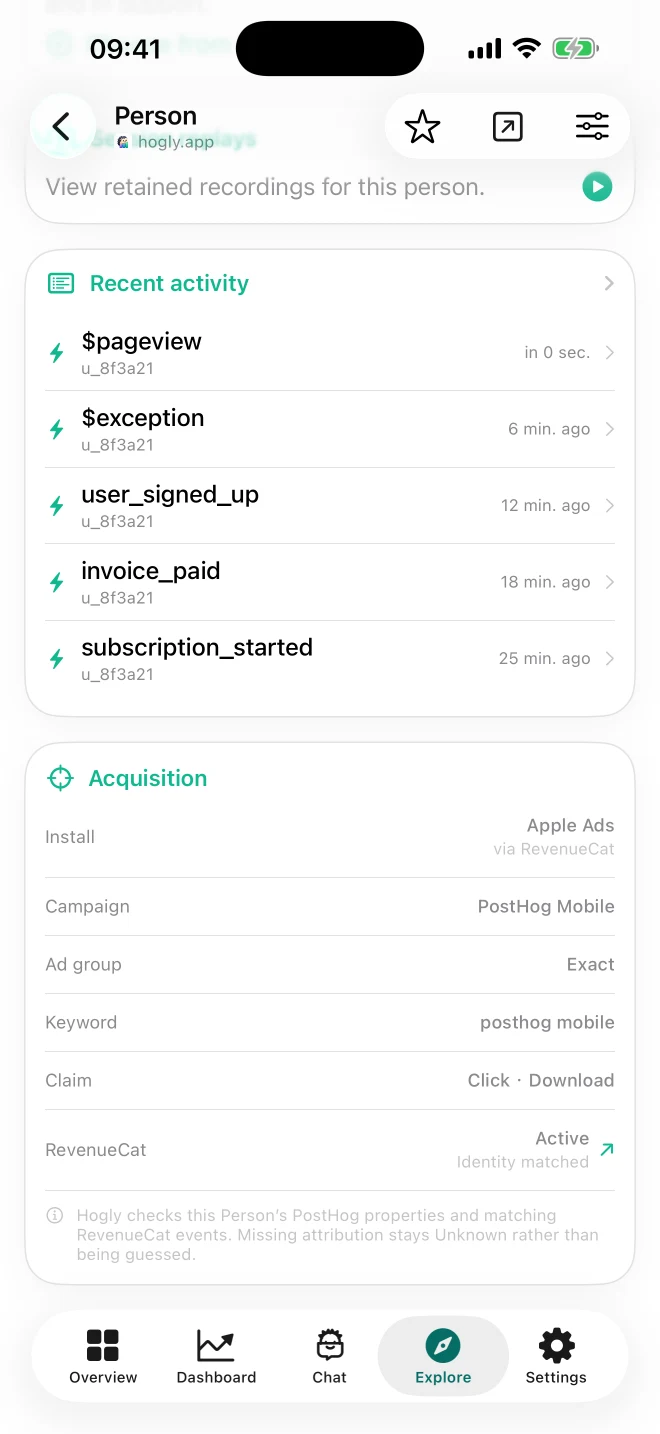
Creator's pick
See how Hogly connects Apple Ads, a PostHog Person, and RevenueCat subscription events—and how web teams can pair source-aware Replays with Funnels.
Read the field note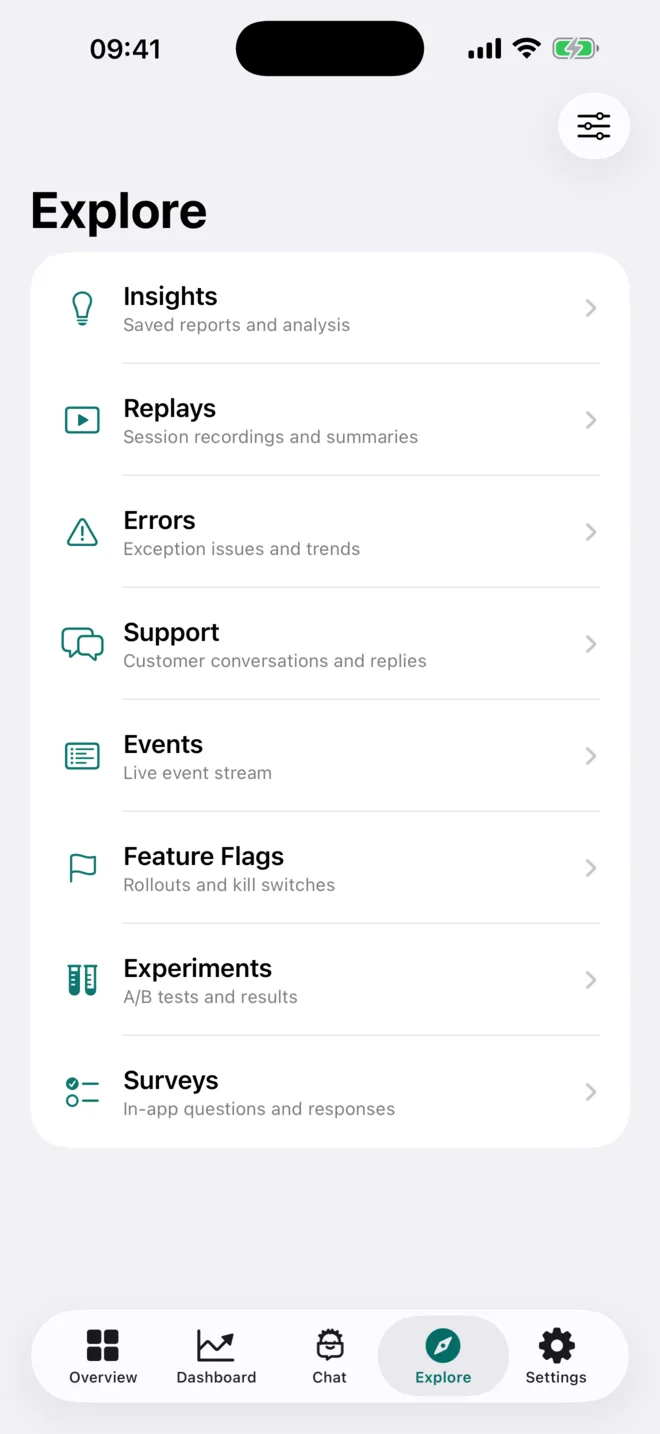
Must-read
Learn how to check PostHog projects, dashboards, events, replays, errors, and feature flags from iPhone with a focused mobile workflow.
Read the field note
A practical workflow for opening a PostHog Support conversation, understanding the customer context, replying, and resolving it from iPhone.
Read the field note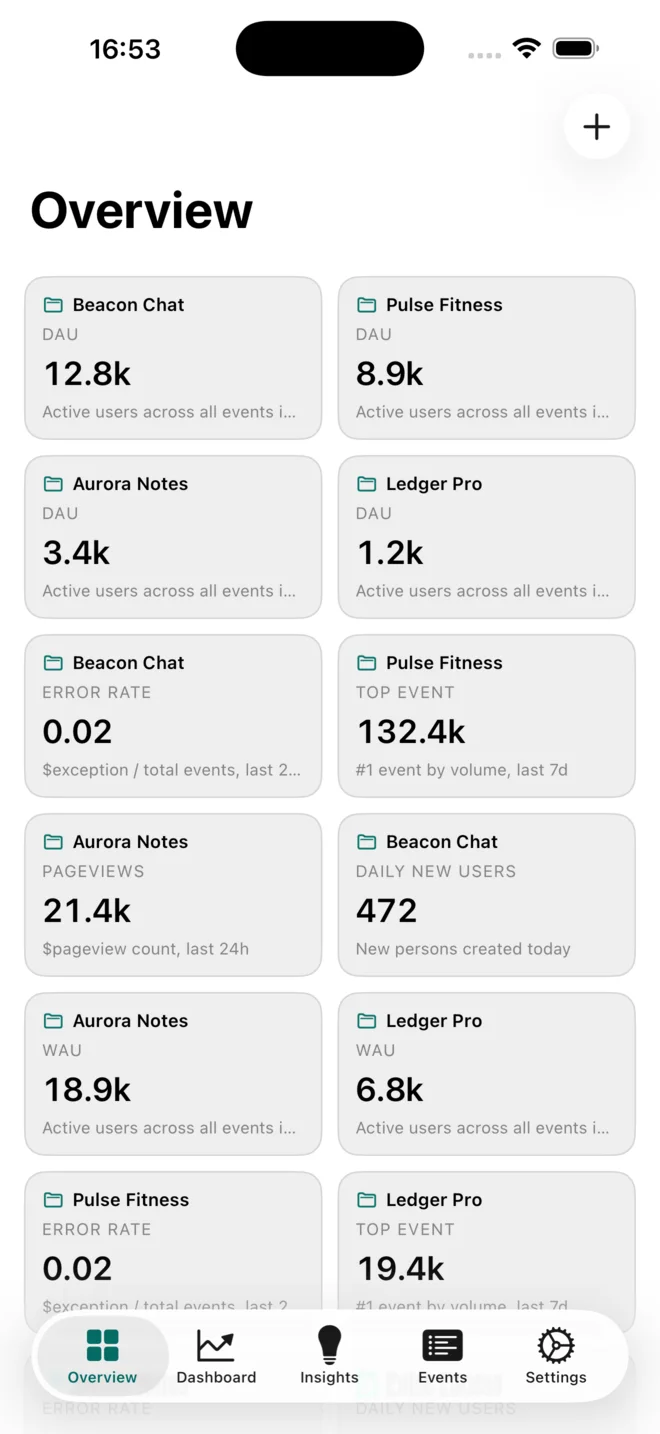
Build a useful cross-project PostHog pulse on iPhone: choose the right metrics, spot outliers, and move from Overview into deeper evidence.
Read the field note
Use a PostHog error and Session Replay together on iPhone to understand an incident, verify the evidence, and choose a safe next action.
Read the field noteTry another topic or browse all field notes.
More on product analytics: Browse the library

Try the workflow
Hogly puts a powerful PostHog workspace in your pocket on iPhone and iPad.
View Hogly on the App Store